
Battery Backup for Wireless Headsets
$375
What It’s For
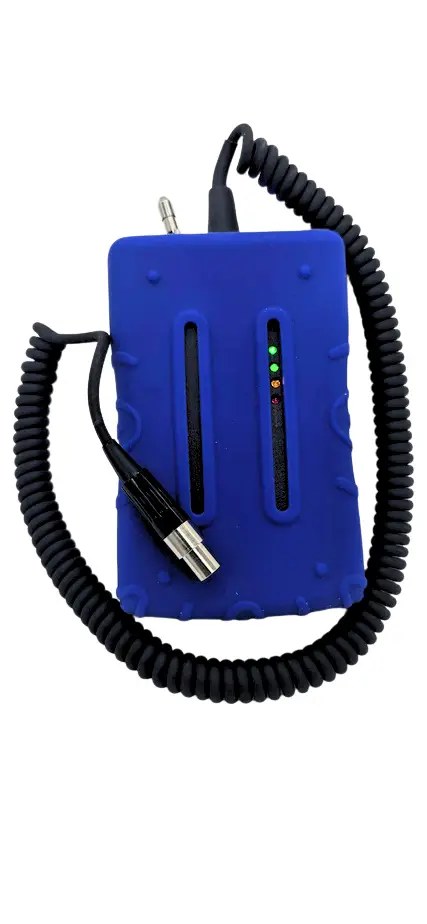
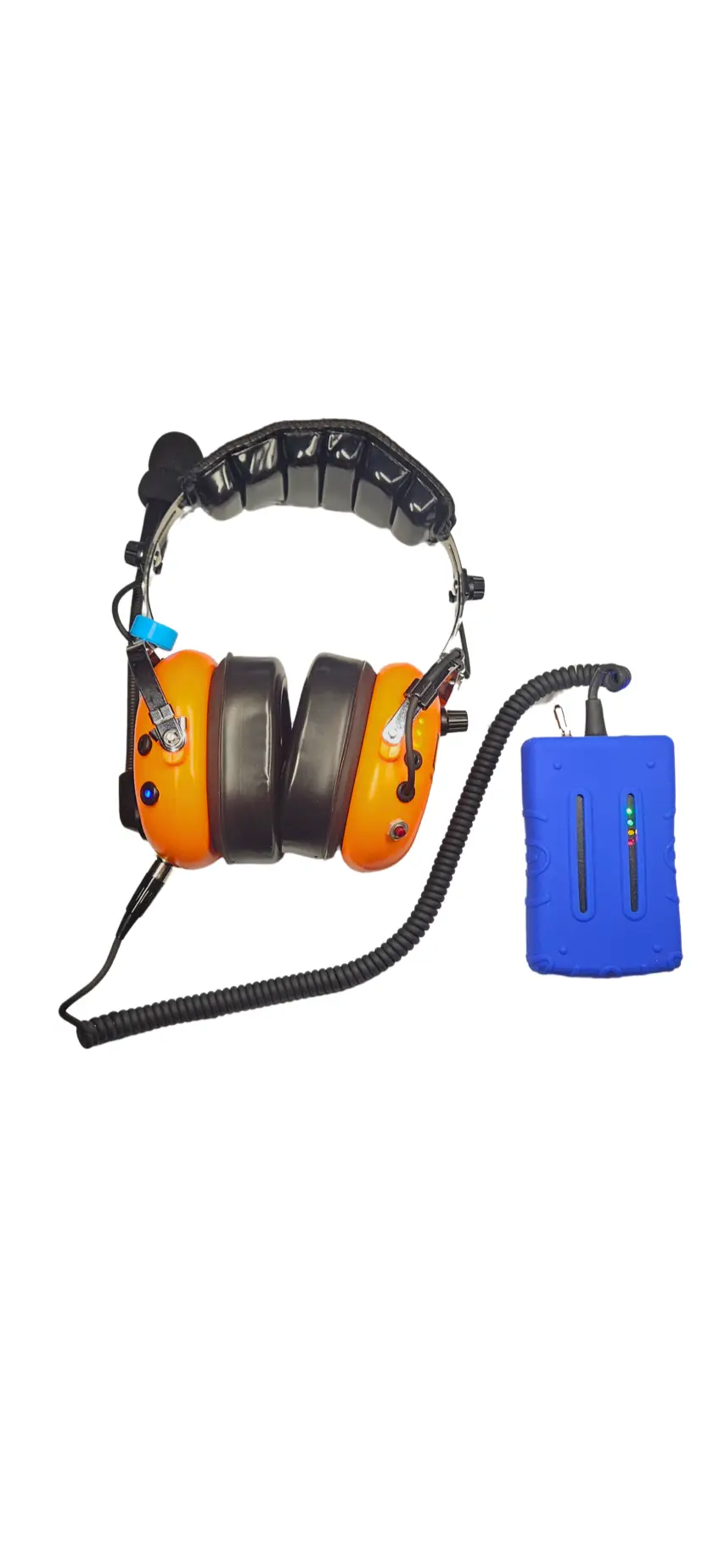
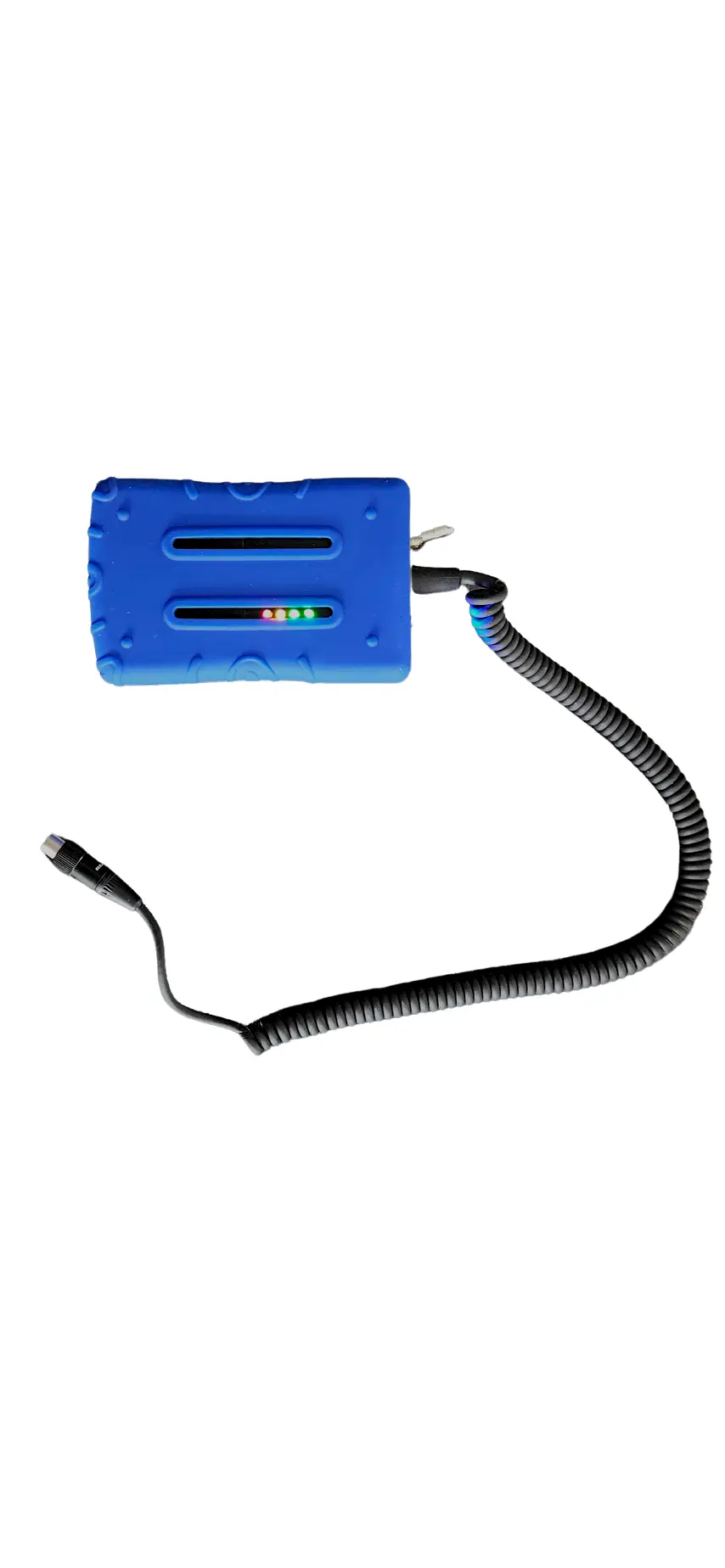
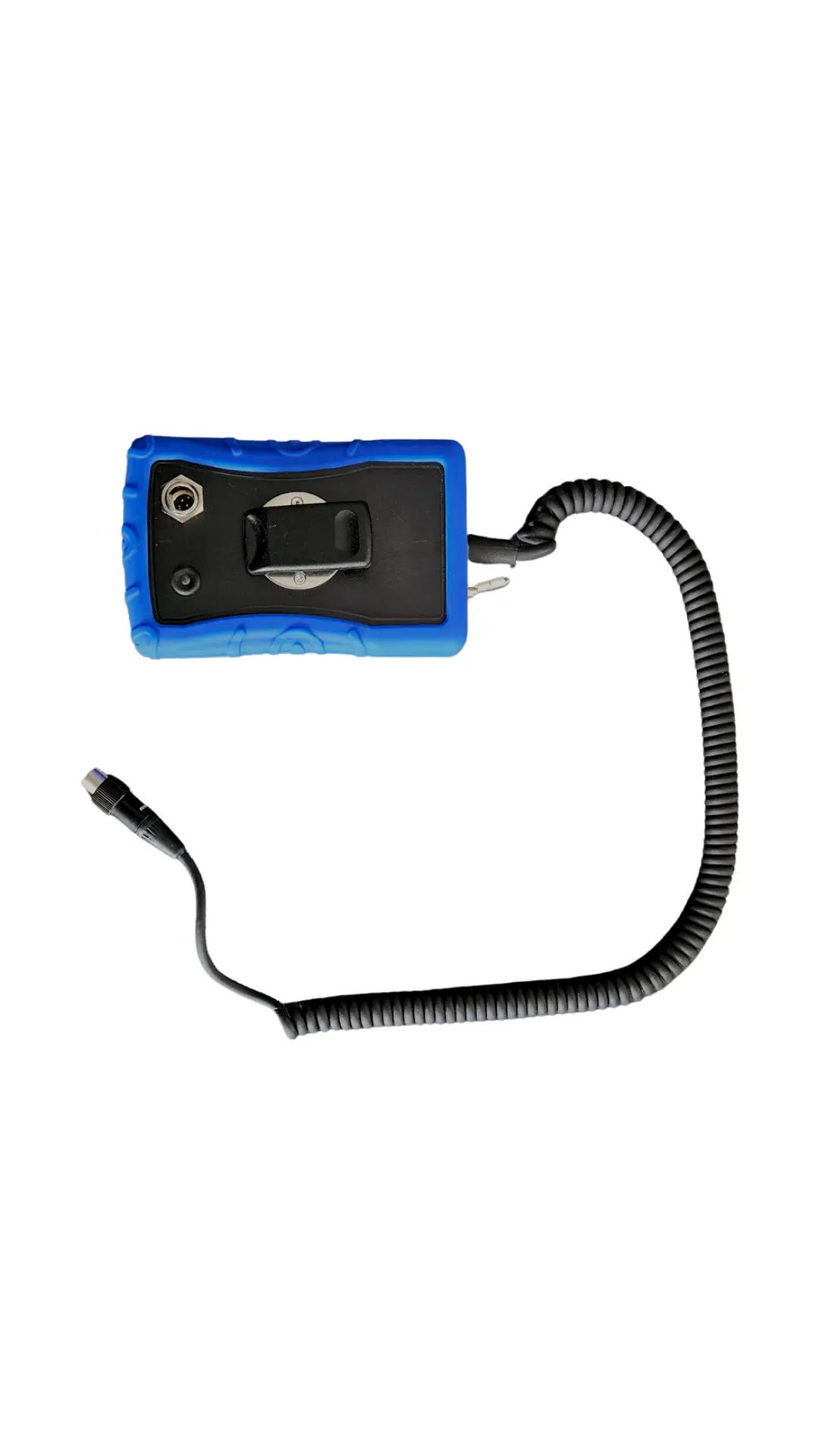
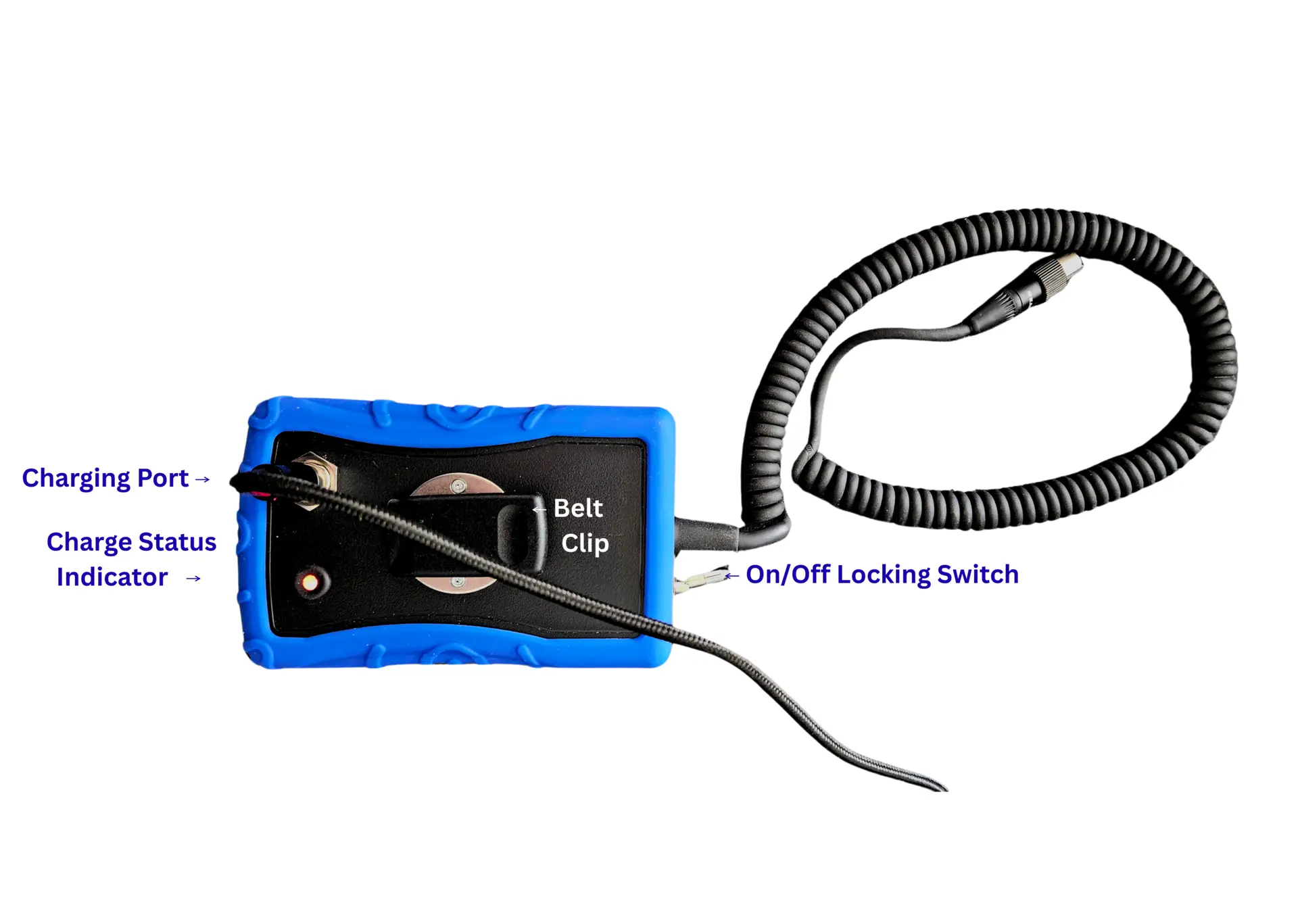
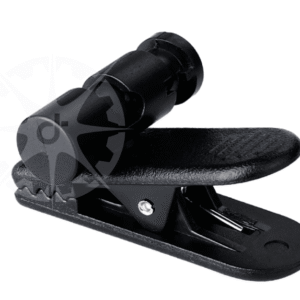
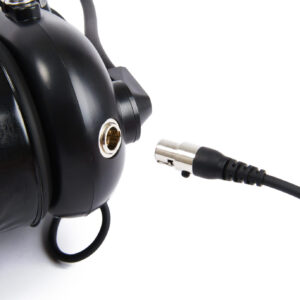
Plug this battery backup into the Dalcomm wireless headset charging port to get up and running again instantly. It has a similar look to the wireless gateway but is much smaller. Use the belt clip to clip it to a belt, vest, jacket etc.
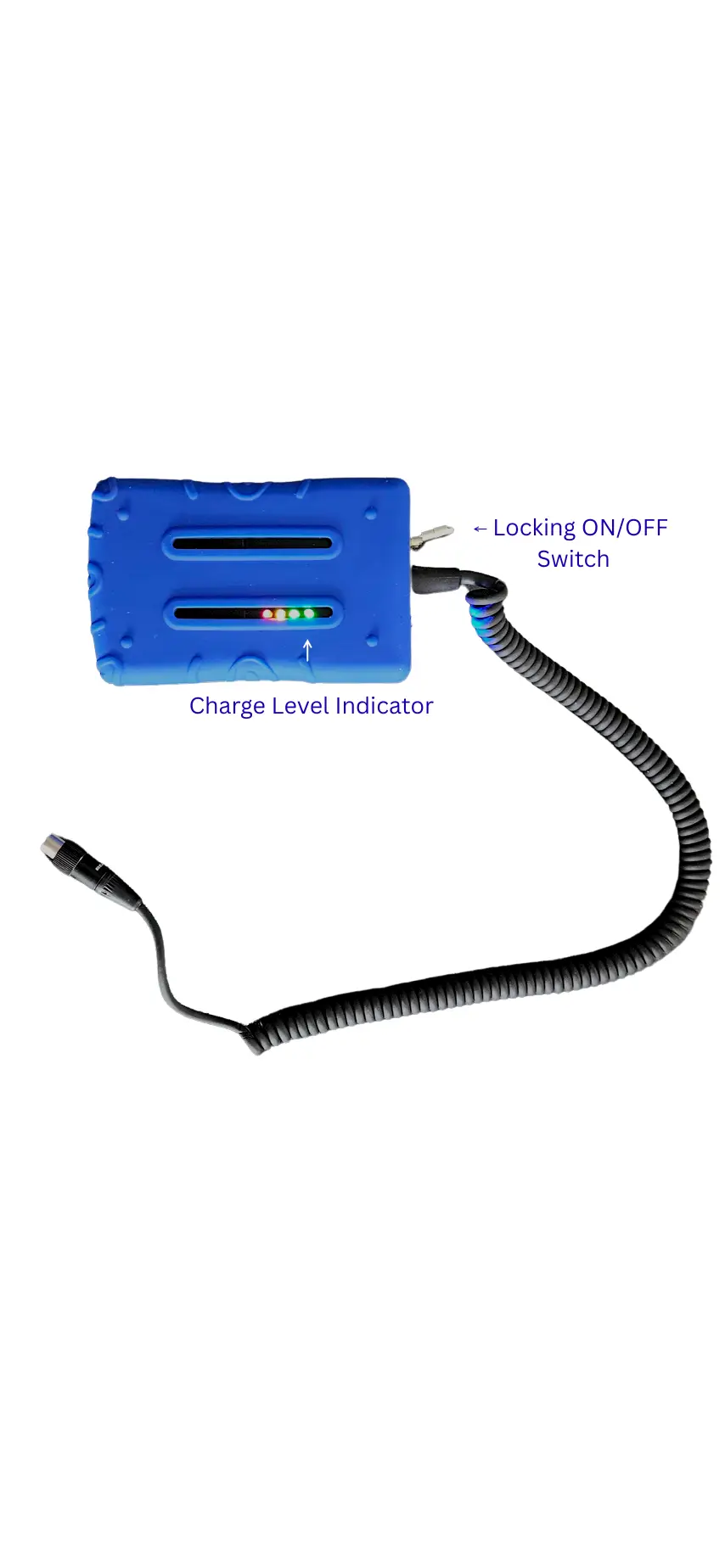
It is ruggedized for airport use, waterproof, includes battery indicator lights. The locking on/off switch to prevents accidentally turning it off. This feature prevents accidental discharge when it’s not plugged into a headset, like if it was dropped in a puddle for example.
Description
What It’s For
Plug this battery backup into the Dalcomm wireless headset charging port to get up and running again instantly. It has a similar look to the wireless gateway but is much smaller. Use the belt clip to clip it to a belt, vest, jacket etc.
It is ruggedized for airport use, waterproof, includes battery indicator lights. The locking on/off switch to prevents accidentally turning it off. This feature prevents accidental discharge when it’s not plugged into a headset, like if it was dropped in a puddle for example.
Instructions For Use
Charge up the battery backup using the same charging cables as the headsets. The charging indicator is red while charging and turns green when fully charged. The battery indicator light set on it includes green, green, yellow, red lights, showing it’s current charge level. Charge the battery backup when it gets down to the red light.
Turn on the battery backup by pulling the switch out and moving it from one position to the other, noting the lights on the headset light up as soon as it’s connected. Turn the headset on for the battery backup to activate the radio module.
The battery backup works only with Dalcomm wireless headsets.
This product is made in America.
Additional information
| Weight | 0.5 lbs |
|---|


Reviews
There are no reviews yet.