

Wireless Pushback Gateway
$899
What It Does
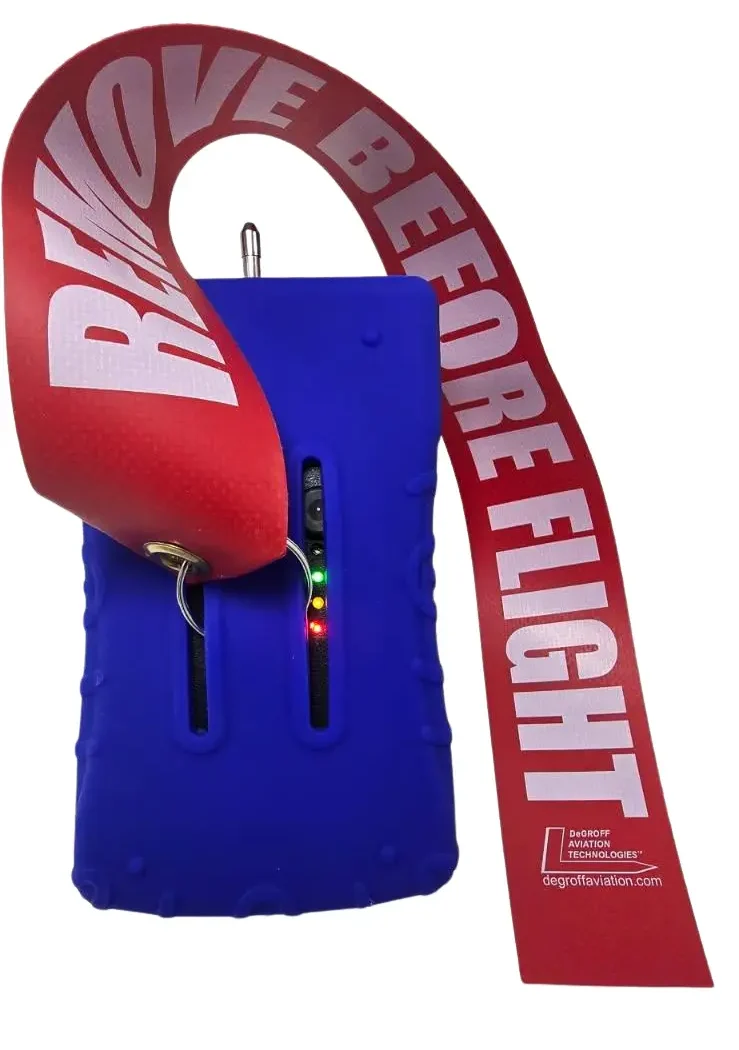
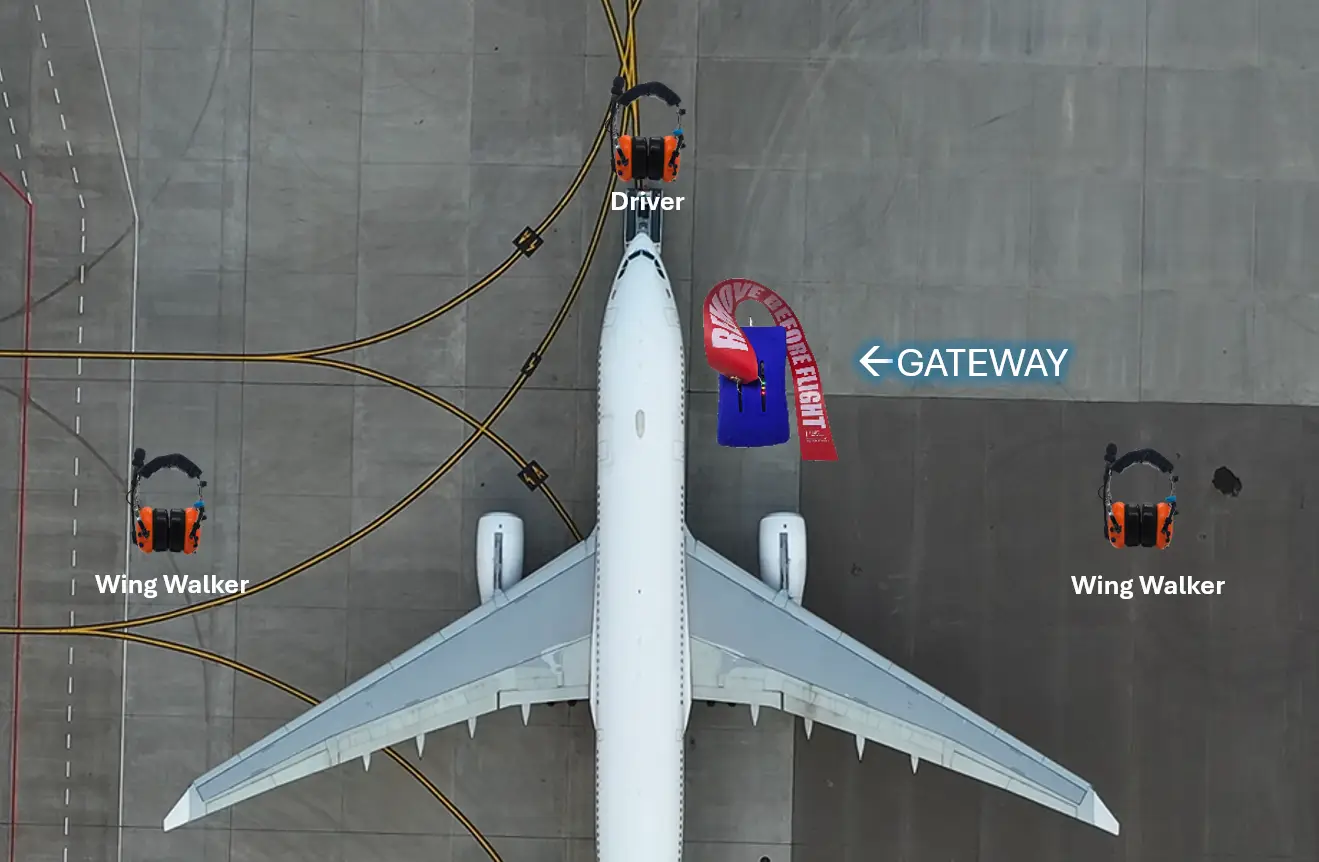
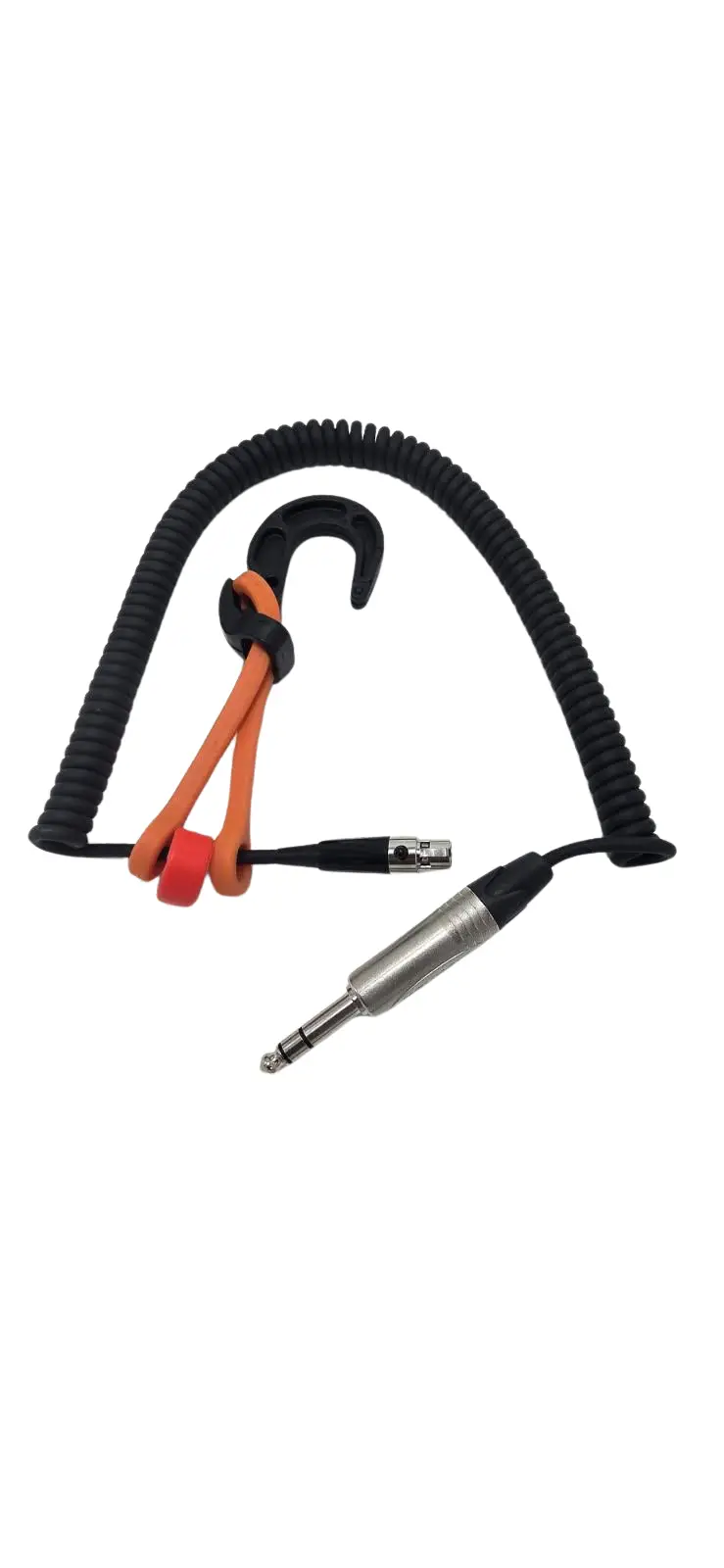
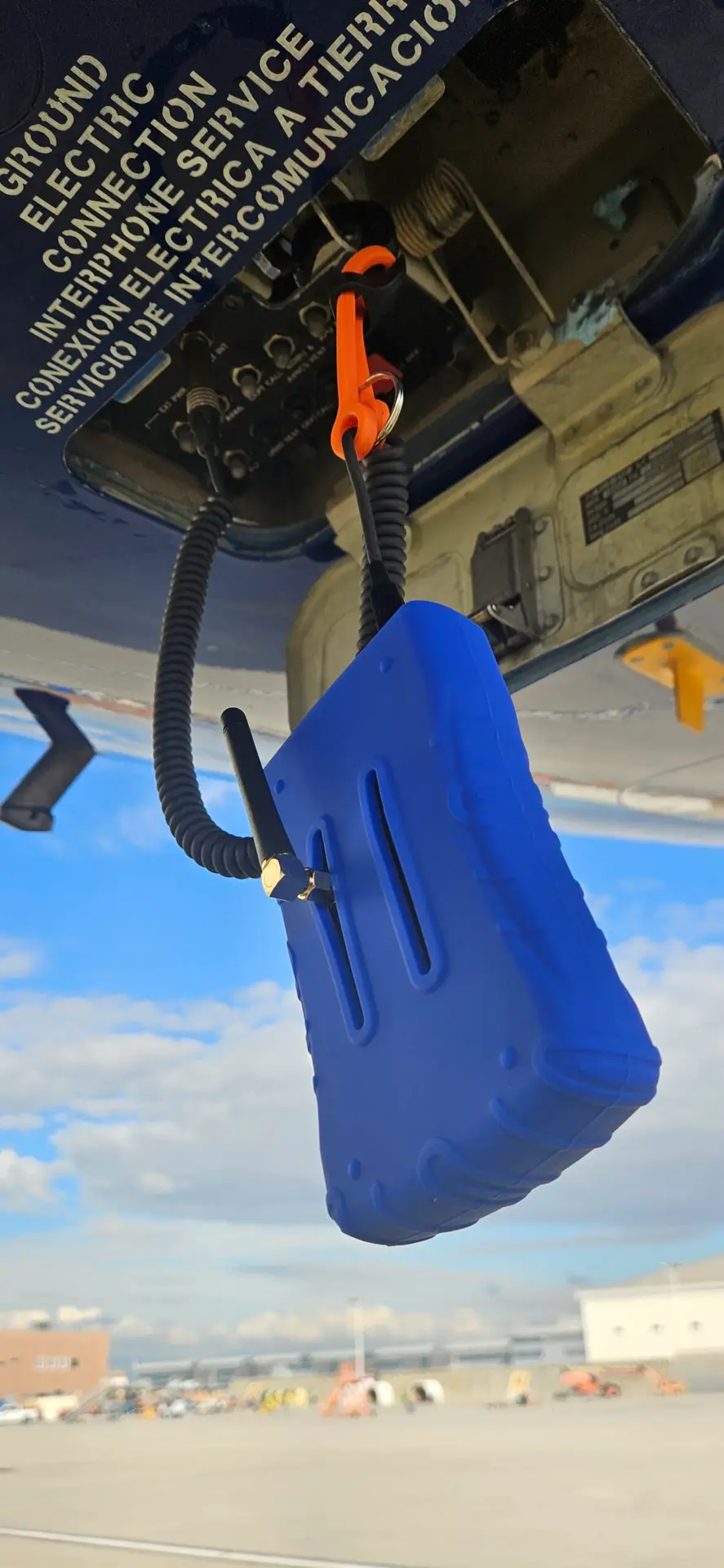
This device plugs into the belly of the aircraft. It connects the aircraft interphone with the pushback crew wireless intercom headsets.
How To Use It
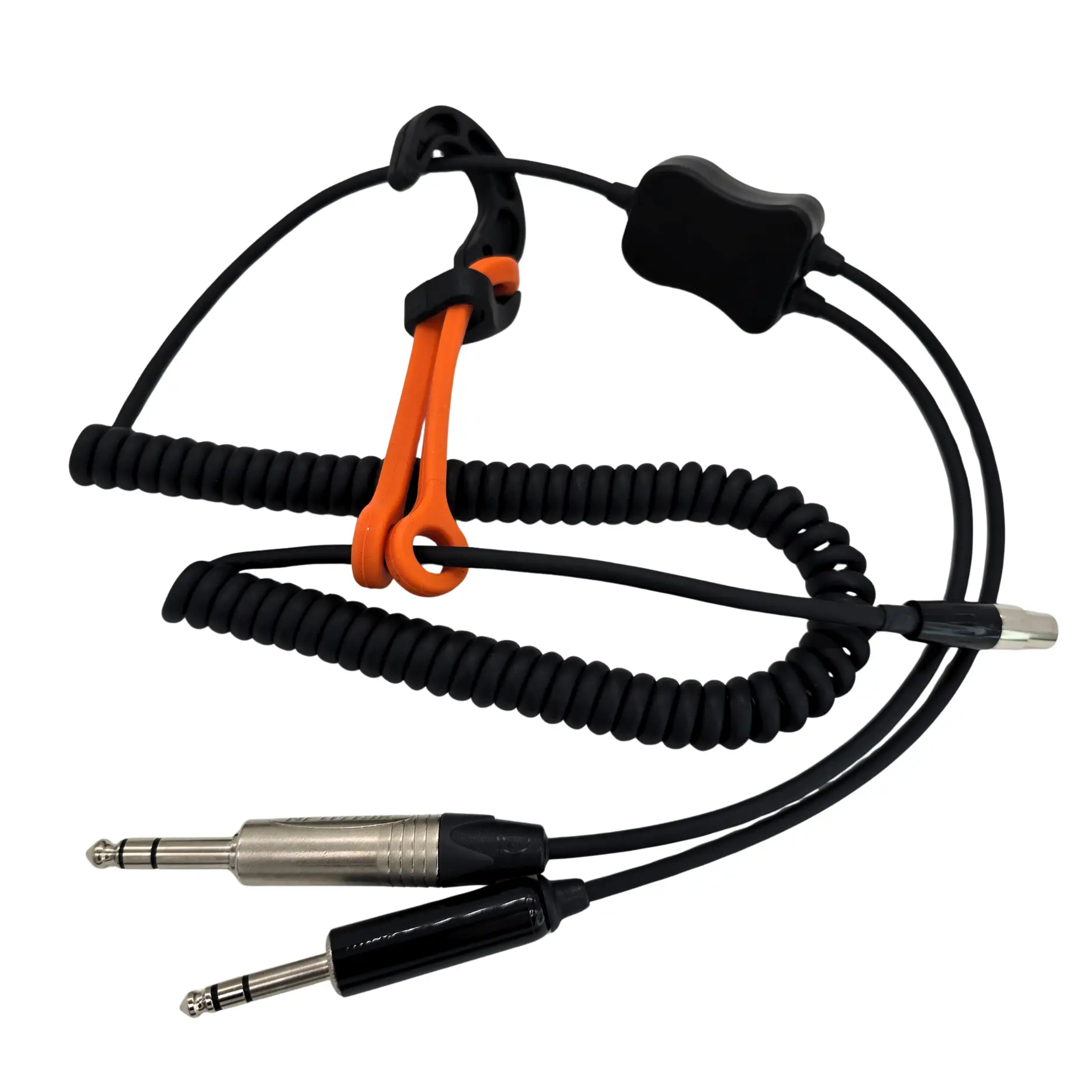
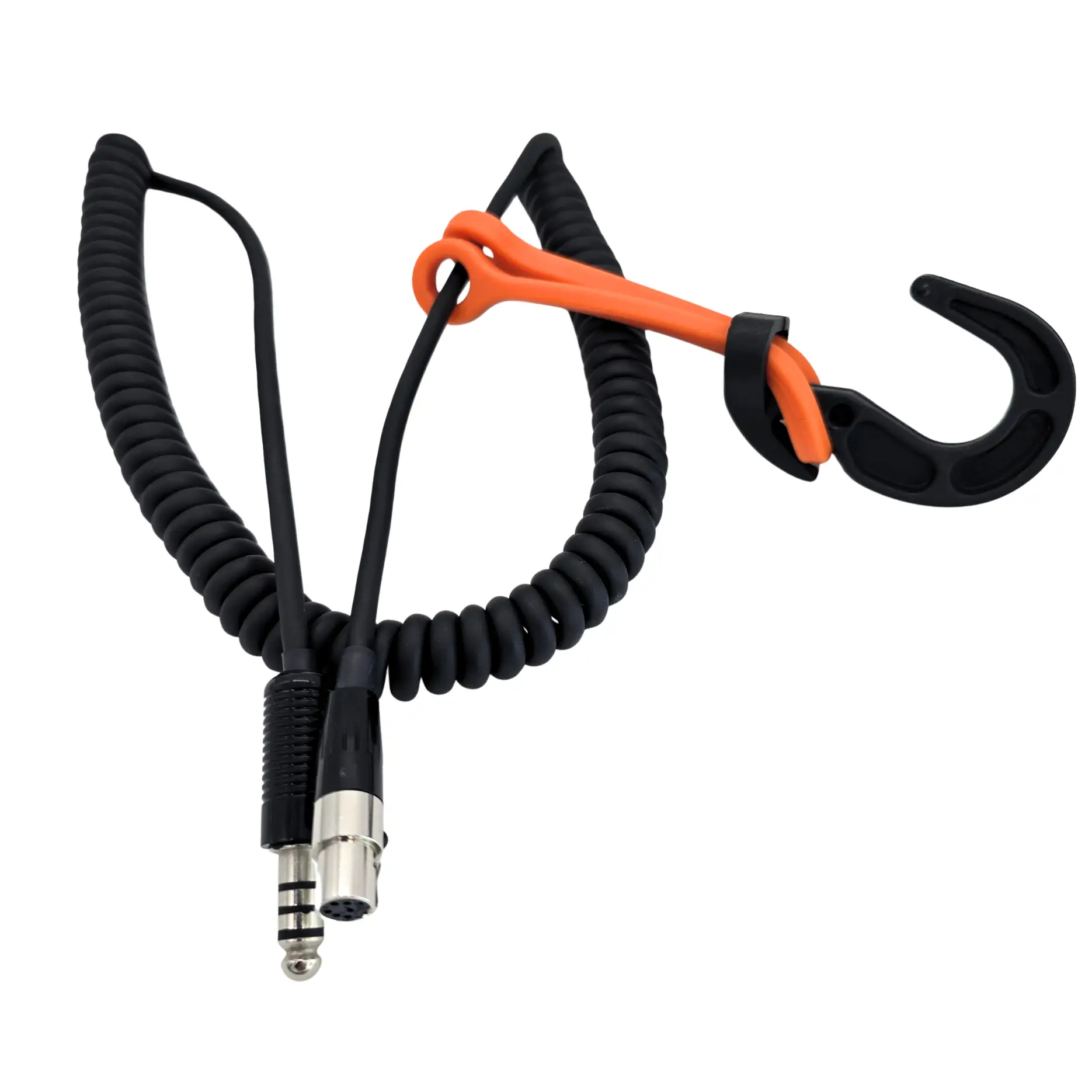
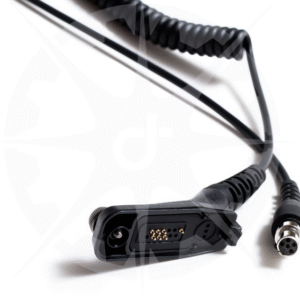
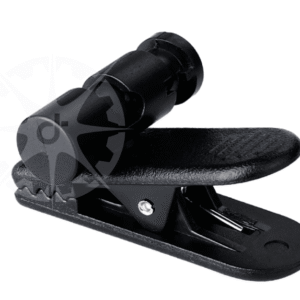
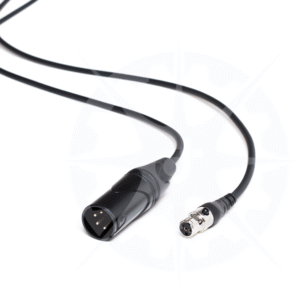
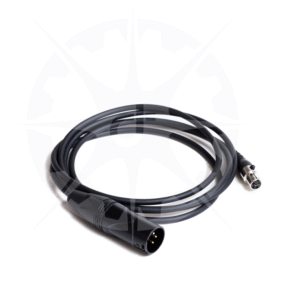
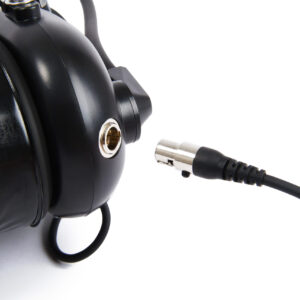
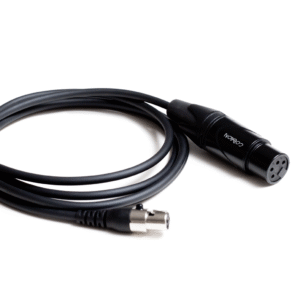
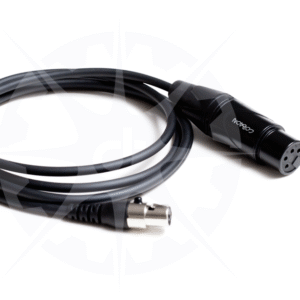
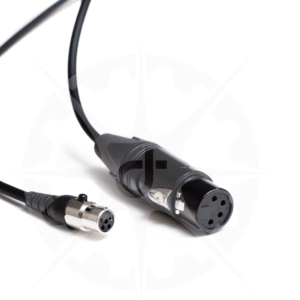
The gateway comes with an interchangeable cord for connecting the gateway box to the aircraft. There are different cables with different plugs for different aircraft. Step one is plug that cable into the gateway. Next, plug it into the aircraft interphone under the plane and attach the clip to the bar in the interphone panel area to hang the gateway.
Description

What It Does
This device plugs into the belly of the aircraft. It connects the aircraft interphone with the pushback crew wireless intercom headsets.
How To Use It
The gateway comes with an interchangeable cord for connecting the gateway box to the aircraft. There are different cables with different plugs for different aircraft. Step one is plug that cable into the gateway. Next, plug it into the aircraft interphone under the plane and attach the clip to the bar in the interphone panel area to hang the gateway.
Next pull the switch out and move it to the ON position. The switch is locking to prevent accidentally turning it on or off while using it.
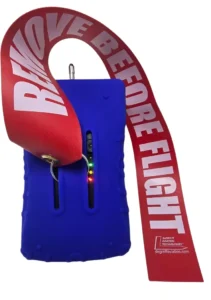
Turn the switch on and the light will come on indicating that the gateway is now on. The battery status indicator lights will also
come on to show the current charge status of the gateway. Charge the gateway when only the red light remains. It can sometimes still work even when all the indicator lights have turned off. Do not use the gateway if no battery indicator lights are on. The charger is built into the kit case but can also be purchased separately. Note: The headsets can all talk to each other without the gateway being turned on.
Workgroups
The gateway comes programmed from the factory so that’s it’s part of a workgroup. It can be reprogrammed using Dalcomm software in the event that it needs to be moved from one work group to another. Email service@dalcommtech.com with any questions.
- Group ID – We’ve added a rubber ring to the place where the hook attaches to the adapter cable. There are 7 colors available. If you put three rings on a headset you get 343 possible different work groups, arranged by mixing the colored rings.
- Easy to use programming software. You set the workgroup with Dalcomm Wireless software. It’s easy to use, drop down menus let you set the workgroup that you want the headset connected to. Then you can just pop a new colored band on the headset and you’re good to go, no down time. If you work with one of our resellers, you can set up additional support services, including repair service, to keep you up and running all the time.
Additional information
| Weight | 1 lbs |
|---|
Related products
-
Add to wishlist
-
Select options This product has multiple variants. The options may be chosen on the product page
- GSE & Airline Headsets & Adapters
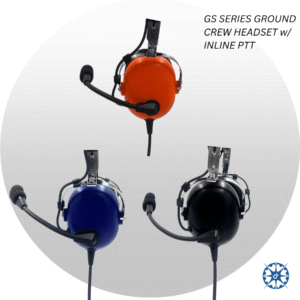
Ground Crew Headset With Hardwired Cable
- Price range: $429 through $455
-
-
Reviews
There are no reviews yet.